The Professional Certificate in Microsoft Office equips learners with hands-on expertise in Word, Excel, PowerPoint, and other core Office applications. The course focuses on real-world projects, advanced formatting, spreadsheet analysis, presentation design, and workplace efficiency skills.
Learn professional document formatting, letter writing, reports, resumes, page setup, tables, and mail merge. Develop skills to create clean and structured office documents.
Understand formulas, functions, charts, sorting, filtering, and basic data analysis. Gain the ability to manage office data efficiently using spreadsheets.
Create attractive and professional presentations using themes, animations, transitions, and slide design techniques for business meetings and academic purposes.
Improve typing speed, file management, email handling, and overall computer efficiency required for office and administrative jobs.
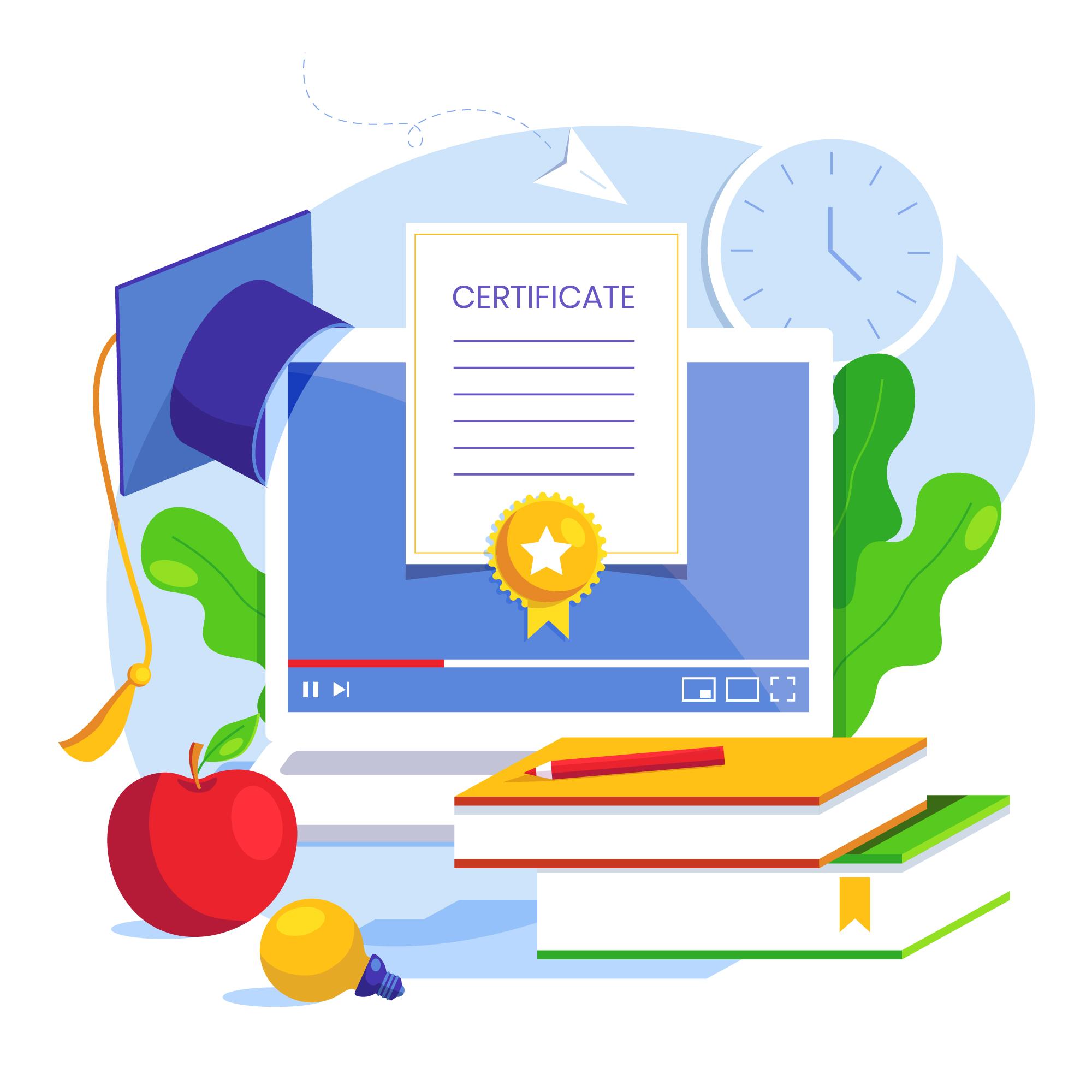
The Certificate in Microsoft Office is a 3-month comprehensive training program designed to build strong computer and office productivity skills. This course covers MS Word, Excel, PowerPoint, and basic computer operations with practical hands-on training. Students will learn professional document creation, spreadsheet management, data analysis, presentation design, and essential office tools required for administrative and business jobs. This course is ideal for students, job seekers, and professionals who want to improve their computer skills and increase career opportunities.
Designed to make learning fun, safe, and effective for kids
Our qualified and experienced instructors provide step-by-step guidance with practical examples to ensure every student understands the concepts clearly.
We focus on real-time practice sessions instead of only theory, helping students gain confidence in using MS Word, Excel, and PowerPoint professionally.
The course is designed according to current office and industry requirements, preparing students for administrative, data entry, and office management roles.
After successful completion, students receive a recognized certificate and basic career guidance to help them apply for suitable job opportunities.
Fun, safe & creative digital skills
After completing this course, students will be able to:
Create professional documents in MS Word
Create professional documents in MS Word
Create professional documents in MS Word
Improve workplace productivity
Improve workplace productivity
Limited seats available. Get started now!
What our clients say
“Excellent service and professional support. The team delivered our project on time with outstanding quality. Highly recommended!”
“User-friendly design, quick response, and great attention to detail. Truly impressed with the overall experience.”
“Their technical expertise and customer-focused approach made the entire process smooth and hassle-free.”
Let’s create a powerful, fast & fully responsive website
that helps your business grow online.